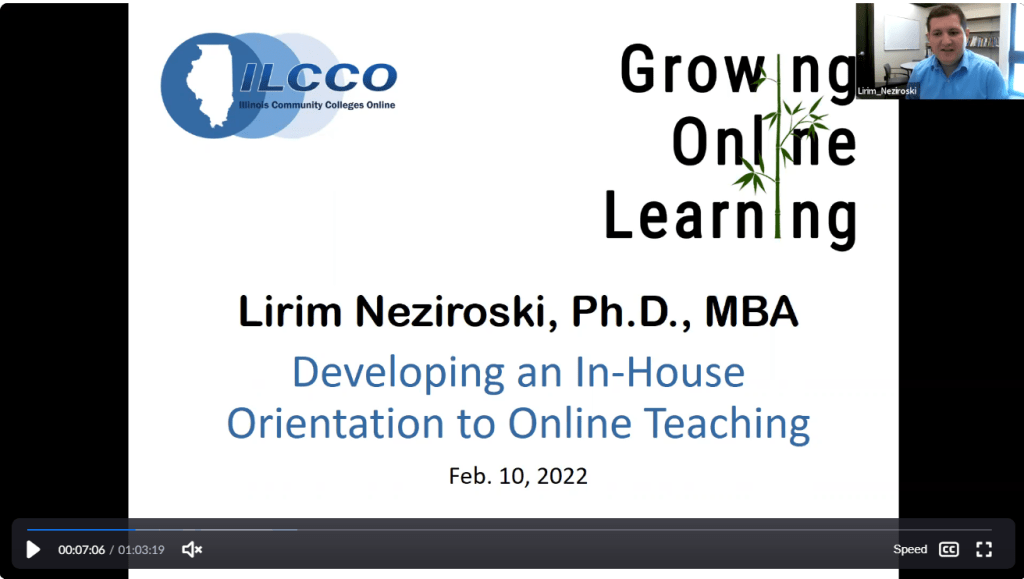
On Feb. 10, 2022, I presented at the Growing Online Learning virtual conference, which is hosted by the Illinois Community College Online Consortium (ILCCO). The presentation was about an Orientation to Online Teaching I developed. The orientation was a five-week online course that informed prospective online instructors about the college’s standards for instructional design, best practices for online teaching, and how-to tutorials for the online learning platform. Here are some of the “strategies,” “best practices,” and “standards” for effective instructional design and online teaching I included in the orientation and presented during the conference.
Create Instructor Presence. “Instructor Presence” means that the instructor is involved (present) in the online course. Instructor presence is important because it humanizes the online course, it gives students a point of contact (and makes them more comfortable reaching out to an instructor they can connect with), and it gives a kind of controlling persona to the course. On the instructional design side, instructor presence is established through weekly announcements, an instructor information/introduction page/video, and instructor-created course content (such as lecture videos, narrated PowerPoints, instructor-produced PowerPoints, lecture notes). On the teaching side, instructors develop presence by participating in online discussions, giving personalized feedback on assignments, hosting virtual office hours and virtual class meetings, sending regular emails, and more. One way to review your own online course for evidence of “instructor presence” is to look for anything that shows your involvement – a PPT or lecture document you produced, a video, comments in the discussion, etc.
Provide Course Information. One of the most basic components of an online course is a “Course Information” module that includes information students would need about the course. This module often includes instructor information, the syllabus, the class schedule, information about assignments and grading, course policies related to late work and missed assignments, textbook and technology requirements and materials (calculators, stethoscopes, lab equipment), information about virtual sessions and labs and other in-person or virtual meetings, academic honesty policy, information on how to navigate the online course, perhaps a video overview of the course and the syllabus, and anything else students may need to understand the course. Much of this information is often included in the syllabus, but some courses post it separately on a page in the module, or they include it in both places.
Organize Course Content into Modules. Another common instructional design standard is to organize course content into modules. Ideally, the modules would be organized by unit, theme, chapter, or week rather than by type of material (such as PowerPoints or Videos). However, organizing material by type could be useful for an in-person course that won’t have all the material of an online course. When creating a module, it’s also useful to have module-level learning outcomes/goals and a list of activities/assessments. I usually create a video overview/introduction/walkthrough using a screen-share where I provide information about each item in the module.
Provide a Variety of Instructional Material. There’s lots of scholarship about multi-modal learning and also content redundancy in online courses, and of course students now expect to see learning material in text, images, and video. So, an effective online course will need to have a variety of materials students can learn from and not only a reading from a textbook and possibly a PowerPoint summary.
Provide Customized, Personalized Instructional Material. Textbook publishers provide a lot of “canned” material such as PowerPoints, and there are many online learning materials on the web that can be uploaded or linked in the LMS easily. However, students don’t want a collection of canned material, and many students may need help and additional examples, explanations, and strategies for understanding the material. Online instructors can consider student needs of a particular class/college, and they can reach students by providing case studies, examples, explanations, and activities to help students learn the material.
Ensure Accessibility. Any instructional material that is created/provided on the LMS will need to be accessible. Strategies for ensuring accessibility include following standards for accessible text in web pages, PowerPoints, and other documents by using appropriate font size and color, using headers, adding alternative text descriptions for images, tables, charts, and graphs, and providing links to closed captioning and transcripts for videos.
Be Conscious of Copyright. A lot of educational material is available as an “open” education resource or under a “creative commons” license, and commercially copyrighted material may be available to use in parts for educational purposes through the Teach Act. However, some material may have limited access because of a more restricted commercial license, so course developers may need to request permission to put that material into an online course.
Link Everything (including Assessments) in the Module. On many LMS platforms, there is a direct link to quizzes, assignments, and discussions that students can use, and they can find these assessments by browsing through the list of activities in those areas. However, assessments are easier to find and they have more contextual information when they are linked next to the learning materials within the same module.
Give Students Practice Opportunities. Learning happens incrementally, not all at once. Online instructors can help students learn on a regular basis by assigning small activities that give students opportunities to apply ideas into practice. These include small writing assignments, end-of-chapter activities, practice questions, self-check activities, discussions, and more. Avoid a course format that has several chapters of reading and only one large unit, midterm, or final exam. This class format also causes a lot of anxiety. Also, assessments and learning materials should ideally be aligned to each other and to course learning outcomes.
Provide Regular, Timely, and Meaningful Feedback. Feedback that is timely, specific, and learning-focused helps students evaluate their learning and adjust their study strategies. Feedback can come from a variety of sources. Students can self-evaluate their learning through flash cards and practice quizzes and online activities that provide instant feedback. Students can also peer evaluate each other’s work. Instructors can provide written feedback on assignments and projects and exam review sessions after quizzes and exams. Ideally, this feedback would help students identify their strengths and weaknesses and create strategies for improvement. Providing feedback also includes setting up a gradebook and keeping it up to date.
Ensure Academic Integrity. Academic integrity can be promoted in the way assessments are designed. For online exams, use an exam security platform, shuffle questions and answer choices, limit the amount of time per question, use different versions of exams and questions, etc. For writing assignments, use plagiarism detection software, make requirements so unique that students can’t find a pre-written assignment online, review one or more drafts before final submission, etc.
Engage Students. Online classes do not have to be a series of lifeless activities students perform independently. Interaction can be added through live/virtual sessions, virtual office hours, online discussions, group activities, peer evaluations, and video projects.
Provide Student Resources. Students can benefit from four types of resources: content-specific information (usually included within the content module) about topics and assignments in the course (such as links to online practice quizzes and citation information for assignments), course-specific information (usually included in the Course Information module) about clinical and lab activities and major projects, links to academic support services at the college (such as the Library and tutoring), and links to student support services (such as counseling, financial aid, enrollment services). These last two are usually linked within one or two modules separate from other course content.
Lirim Neziroski, Ph.D., MBA is a higher education administrator, education consultant, and previous faculty member with expertise in higher education leadership, instructional technology, curriculum development, academic assessment, online programs, and strategic planning. Contact Lirim for consulting, research, writing, and public speaking services.
 Lirim Neziroski
Leave a comment